CompTIA A+
Core knowledge covering computer hardware, operating systems, troubleshooting, security and professional technical support.
 HAWK EYES CYBER TECHIT Repairs · Networks · Cybersecurity
Speak to us0737 566 9959
Book a repair slot
HAWK EYES CYBER TECHIT Repairs · Networks · Cybersecurity
Speak to us0737 566 9959
Book a repair slot
Qualified engineers. Clear advice. Practical support. Hawk Eyes Cyber Tech helps home and business users with computer repairs, Wi-Fi, networks, CCTV and cybersecurity across Manchester and within a 30-mile radius.

Applies within the agreed Manchester and 30-mile service area. Parts, specialist work or different arrangements are discussed before approval.
A computer fault may involve software, storage, security or the network. We look at those connections and explain them clearly instead of treating every symptom in isolation.

Practical help for slow, damaged or unreliable computers, from the first diagnosis through to a clear solution.
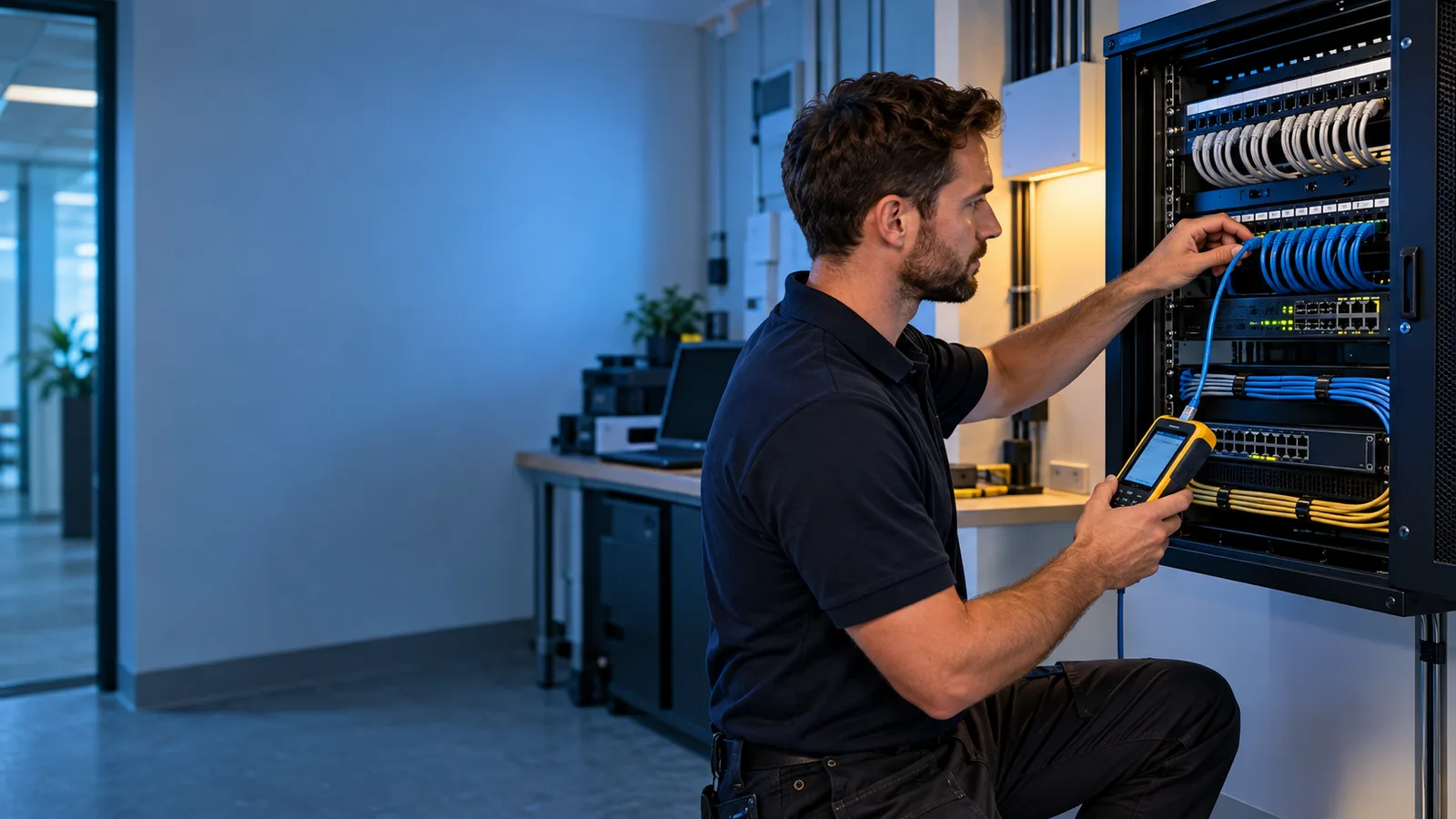
Friendly help with network faults, Wi-Fi, planning, secure design, installation and hardening for homes and small organisations.

CCTV planning, camera positioning, installation, recording, secure remote viewing and troubleshooting for homes and small organisations.

Straightforward protection against malware, account compromise, data loss and preventable security weaknesses.

Responsive technical support, workplace setup and sensible improvement planning for small organisations.
Our engineers bring IT knowledge supported by CompTIA A+, Microsoft and Cisco certifications. We explain the proposed work, relevant risks and practical options before you decide how to proceed. From a home PC to an office network, the aim is useful support you can understand.
Core knowledge covering computer hardware, operating systems, troubleshooting, security and professional technical support.
Knowledge relevant to Microsoft systems, accounts, devices and tools used by many homes and organisations.
Networking knowledge supporting structured troubleshooting, secure design, configuration and reliable connectivity.
No technical knowledge needed. Tell us what is happening, when it started and anything that changed. We will help you understand the next step.
Call us 0737 566 9959Start with what you have noticed. We will discuss whether the work needs a visit, a remote session or a focused security review.
For physical repairs, cabling, Wi-Fi surveys, CCTV installation and jobs involving several devices at your property. Tell us your postcode and the affected equipment so we can plan the visit.
For suitable software, email, update and configuration problems when the device can connect. Access starts with your permission; you can see the session and end it at any time.
For suspicious activity, account protection, secure settings and backup planning. We explain immediate priorities and practical improvements, with specialist requirements discussed before work is agreed.

A camera going offline may have a power or network fault. A slow computer may have a storage problem rather than needing replacement. An account concern may affect email and the services connected to it.
Hawk Eyes Cyber Tech engineers consider the relevant connections, explain what needs checking and agree the scope before work begins. Use the examples below to find the service closest to your enquiry.
Explore IT services in ManchesterThese examples describe common enquiries. A diagnosis depends on the actual device, evidence and agreed assessment; they are not promises of a particular outcome.
The situation: A home user notices slow startup and freezing.
A useful first check: Storage condition, available space, memory use and background activity need checking before an upgrade is recommended.
Explore the relevant serviceThe situation: A connection works near the router but fails in another room.
A useful first check: Compare affected devices and locations; review coverage, interference and access-point placement.
Explore the relevant serviceThe situation: A shop can see cameras but cannot find yesterday's footage.
A useful first check: Check recording schedules, storage health, date and time, and retention settings before assuming a camera has failed.
Explore the relevant serviceThe situation: An email asks an employee to approve new bank details.
A useful first check: Verify the request using a known contact route and report suspicious activity promptly.
Explore the relevant serviceThe situation: A device failure could remove the only copy of family photos or business records.
A useful first check: Identify essential files, arrange a separate backup and check that a sample restore works.
Explore the relevant serviceThe situation: A new employee has a computer but lacks the right software or printer access.
A useful first check: Plan authorised accounts, applications, updates, peripherals and backup requirements around the role.
Explore the relevant serviceAt home and at work, updates are easily postponed because a restart feels inconvenient or the computer appears to be running normally. Unresolved update failures can also go unnoticed. Working normally does not prove that a device is protected.
Security updates repair weaknesses that attackers may exploit. Delaying them can leave a known weakness open for longer. Outdated software can also miss reliability fixes and become incompatible with newer applications or services.
For home users, a successful attack could expose private information or put access to accounts and photographs at risk. For businesses, disruption can stop staff working, delay customer service and create recovery costs. Missing an update does not guarantee an attack, but it can increase avoidable exposure.
Get help with failed updatesBrowsers, office applications and device software also need attention. Routers and CCTV equipment may have manufacturer firmware updates. Check that the product is still supported and use trusted update sources.
Enable automatic updates where suitable, allow required restarts and check that installation completed. Businesses should assign responsibility, record supported versions and plan maintenance around essential work. Backups and compatibility checks help prepare for larger changes.
Discuss ongoing maintenanceCurrent cyber threats affect personal devices, cloud accounts and small organisations as well as large companies. Understanding common attack methods helps you choose practical safeguards and seek help sooner.
Unexpected messages can imitate a supplier, bank, delivery company or colleague. They may ask you to sign in on a fake page, open an attachment or approve an urgent payment. A familiar logo or sender name is not proof that a request is genuine.
Verify changes to payment details and unusual requests through a contact route you already trust. Businesses should make it easy for staff to report concerns promptly. People, technical controls and clear processes work together.
NCSC: defending against phishing ↗Malicious software can disrupt a device or access information. Ransomware can make files unavailable, and an incident may also involve data theft. Shared storage and connected systems can widen the disruption.
Keep supported software updated, limit unnecessary access and maintain separate, tested backups. If you suspect an infection, seek guidance before continuing to use affected equipment. Recovery depends on the incident and the condition of the available backups.
NCSC: reducing malware and ransomware risk ↗A stolen password can let someone impersonate you, read email or misuse connected services. Reusing a password can put several accounts at risk if one service is compromised.
Use unique passwords, two-step verification where available and secure recovery arrangements. Review unexpected sign-in alerts through the genuine service. Do not approve a login prompt you did not initiate or share authentication codes with someone claiming to provide support.
Discuss an account concernSupport status matters for PCs, routers and cameras. Equipment can continue operating after its manufacturer stops providing security fixes. Default passwords, shared logins and unnecessary remote access can add further risk.
Review who needs access and remove it when no longer required. Ask about firmware support and secure settings before exposing equipment online. Where suitable, separate guest and security devices from business systems so access follows a clear purpose.
Review your network setupAwareness guidance reviewed 11 October 2026. These precautions reduce avoidable risk; no provider can promise complete protection against every attack.
Reliable technology needs more than a quick fix. These practical checks help you plan upgrades, protect important accounts and avoid preventable disruption.
Standard Windows 10 support ended on 14 October 2025. Your computer can still work, but continued use needs a clear plan for security updates and supported software. Extended Security Updates are available for eligible devices under Microsoft's current programme.
Before replacing a working PC, check Windows 11 compatibility, the applications you rely on and how your files will be backed up and transferred. An operating-system upgrade and a hardware performance upgrade solve different problems.
Discuss your computer Microsoft: current Windows 10 support guidance ↗Before an upgrade, list the applications, printers and other equipment you rely on. Check licences, account access and whether the software supports the proposed operating system. Prepare a backup before moving important information.
For a business, agree who will test essential tasks and when the change can take place. For a home user, consider access to email, documents and everyday devices. A clear plan makes it easier to check that the new setup meets the actual requirement.
Plan a setup or migrationIdentify the documents, photographs and business records you could not easily replace. Keep a separate backup, check that it completes and practise restoring a sample file before you depend on it.
Cloud synchronisation is convenient, but changes or deletions can also synchronise. Check version history, recovery options and retention rather than assuming a folder in the cloud is a complete recovery plan. Before repair or migration, discuss the condition of the storage and the safety of important files.
Discuss backup and recoveryA fast connection at the router can still leave meeting rooms, upstairs spaces or cameras with unreliable coverage. Walls, interference, access-point placement and the number of connected devices all affect the experience.
Describe where the problem happens and whether it affects one device or several. For an office move or CCTV installation, plan cabling, coverage, power and authorised access together. This makes it easier to choose suitable equipment and avoid adding devices to an already struggling network.
Plan a more reliable networkGuidance reviewed 11 October 2026. Programme eligibility and support arrangements can change; check the linked official guidance for current details.

Tell us which device or system is affected, what you see on screen and when the problem began. Mention recent updates, new equipment or changes to your internet connection. A photograph of an error message can be useful, provided it does not expose private information.
For a new office or CCTV setup, describe the rooms, users, equipment and coverage you need. For an existing fault, explain what has already been tried so the next step builds on useful information.
Share your requirementsH Hardware N Networks S Security D Data
Repairing the immediate fault matters, but so does understanding why it happened and whether another weakness could cause the same disruption. Hawk Eyes Cyber Tech brings repair, connectivity and cybersecurity thinking into one practical service.
We begin with symptoms, context, recent changes and likely causes. Diagnosis comes before replacement where the equipment condition allows it.
You receive straightforward guidance about benefits, limitations and likely next steps so that you can make an informed decision.
Security, updates, backups, access and reliability are considered when relevant, without turning a simple job into unnecessary work.
Hawk Eyes Cyber Tech supports customers in Manchester and nearby communities. The 30-mile radius allows practical visits across Greater Manchester and surrounding areas, while the exact location and appointment are confirmed when you enquire.
Keep the process understandable: describe the problem, review the evidence, approve the scope and check the result.
Share symptoms, equipment and postcode. Mention important files and recent changes.
Discuss the suitable route and likely checks before choosing work or equipment.
Confirm scope, charges and relevant limitations before work begins.
Review the agreed result and any maintenance or follow-up steps.
If your question is not covered, call or send a WhatsApp message. A short conversation is often the quickest way to establish whether the problem needs remote or on-site support.
You remain in control. We discuss the problem and agree what access is appropriate. You authorise the session, can see what is happening and can end it. Remote support is only used when it is suitable and secure.
Yes. Home users often need help with personal computers, Wi-Fi, printers, malware, backups or CCTV. Small organisations may also need device setup, secure networks, staff access, business continuity and coordinated IT improvements.
On-site appointments are arranged around a mutually convenient time, subject to availability. A clear description of the fault, location and preferred time helps us plan the most useful visit.
No responsible provider can promise that every failed device can be repaired or every lost file recovered. We assess the condition, explain the risks and agree realistic next steps. Where storage is failing, protecting remaining data takes priority.
Book a 50-minute repair or diagnostic visit with Hawk Eyes Cyber Tech. We reserve one hour between visits for travel. Appointments run Monday–Saturday, 10:30am–8:30pm (UK time); Sunday is closed. Please provide your service address, postcode and a short description of the issue. Coverage, work and any charges are discussed before work begins.
Book a repair slot ↗Booking and confirmation emails are handled by Google Calendar. For general enquiries, email our team or use the WhatsApp form below.
Complete the form and your answers will open in WhatsApp, ready for you to review and send. Include your postcode so we can confirm coverage for on-site work.
